Show Temporary FORM
Scan the below QR code with the scan2check mobile app to import the settings below. The API url is specific:
The API returns always a response indicating, that data is missing. Settings in response must include the formData key which renders a custom form. The optional showOnce parameter, if true, indicates that the form should be not stored on the device for future code scans and should be collected/submitted only once. The API response also returns a new apiUrl which points the app to send the subsequent code scans to the "minimal ok response" version of API endpoint.
Endpoint documentation:
upload-scanned-code-return-minimal-response
Settings JSON#
{ "app" : "scan2check.com", "settings" : { "apiUrl" : "https://stoplight.io/mocks/yofla/scan2check/18958858/show-temp-form" }}Open in configurator — opens this exact settings document in the configurator, where you can edit it and regenerate the QR code.
Settings QR code#
(above json as QR code)
API response#
{ "status": "missingData", "settings": { "apiUrl": "https://stoplight.io/mocks/yofla/scan2check/18958858/upload-code-minimal-response", "formData": { "schema": { "bike": { "title": "Please select bike type", "type": "string", "enum": [ "road", "touring", "mountain" ] } }, "showOnce": true } }}Now scan a test code#
Once the app has applied the settings above, scan one of these to send a test request:
Scroll until only one code is on screen. If the settings QR code above is still in view, the camera may read it again, which re-applies the settings instead of testing your endpoint.
symbols setting.Sends
scan2check-test-code.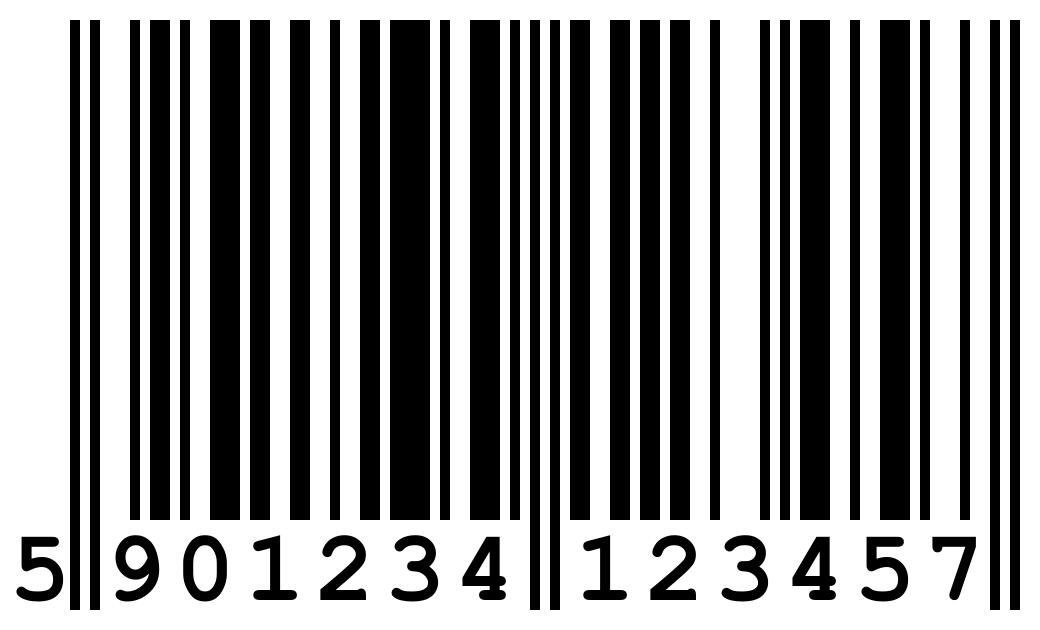
ean13 in symbols (it is, unless you narrowed the list).Image: Wikipedia, CC BY-SA 3.0

These codes also live on their own page: test codes.