OK response
Scan the below QR code with the scan2check mobile app to import the settings below. The API url is specific:
The API returns always an OK response, when a code is scanned. A minimal response object is returned.
Endpoint documentation:
upload-scanned-code-return-minimal-response
Settings JSON#
{ "app" : "scan2check.com", "settings" : { "apiUrl" : "https://stoplight.io/mocks/yofla/scan2check/18958858/upload-code-minimal-response" }}Open in configurator — opens this exact settings document in the configurator, where you can edit it and regenerate the QR code.
Settings QR code#
(above json as QR code)
API response#
(API response is an empty JSON. HTTP status code is 200.)
{}Now scan a test code#
Once the app has applied the settings above, scan one of these to send a test request:
Scroll until only one code is on screen. If the settings QR code above is still in view, the camera may read it again, which re-applies the settings instead of testing your endpoint.
symbols setting.Sends
scan2check-test-code.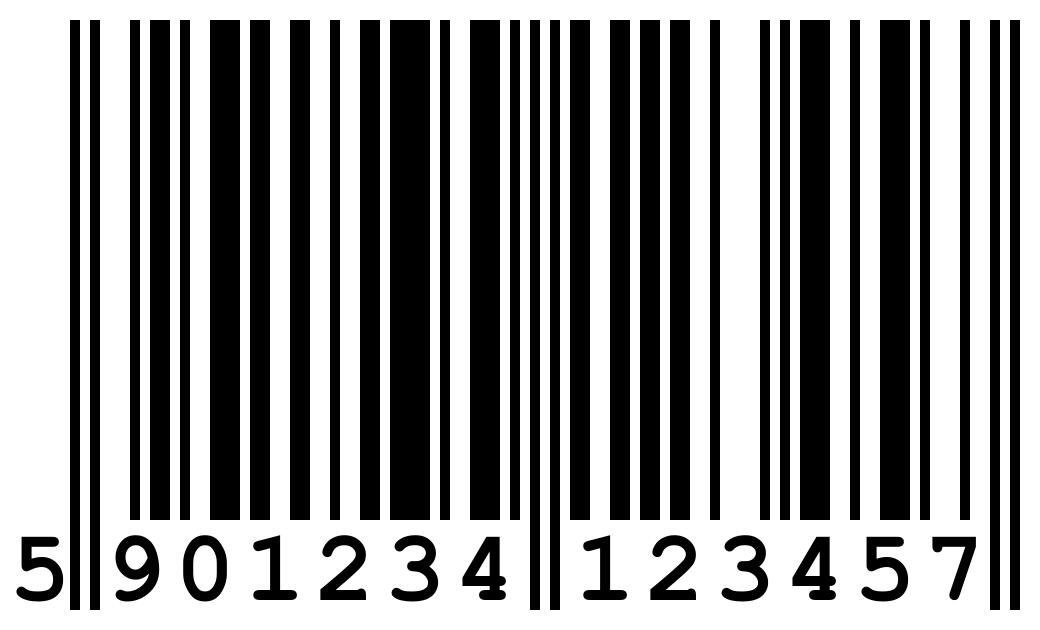
ean13 in symbols (it is, unless you narrowed the list).Image: Wikipedia, CC BY-SA 3.0

These codes also live on their own page: test codes.