Test codes
Once the app has scanned a settings QR code, it needs something to scan to prove the loop works. Point the app at one of these instead of hunting for a barcode nearby.
Each scan is POSTed to the apiUrl you configured, and the app shows the green or red screen your
endpoint answers with. Pair them with a sample setting
that uses an always-OK mock endpoint, and you should see green.
Scroll until only one code is on screen. If the settings QR code above is still in view, the camera may read it again, which re-applies the settings instead of testing your endpoint.
symbols setting.Sends
scan2check-test-code.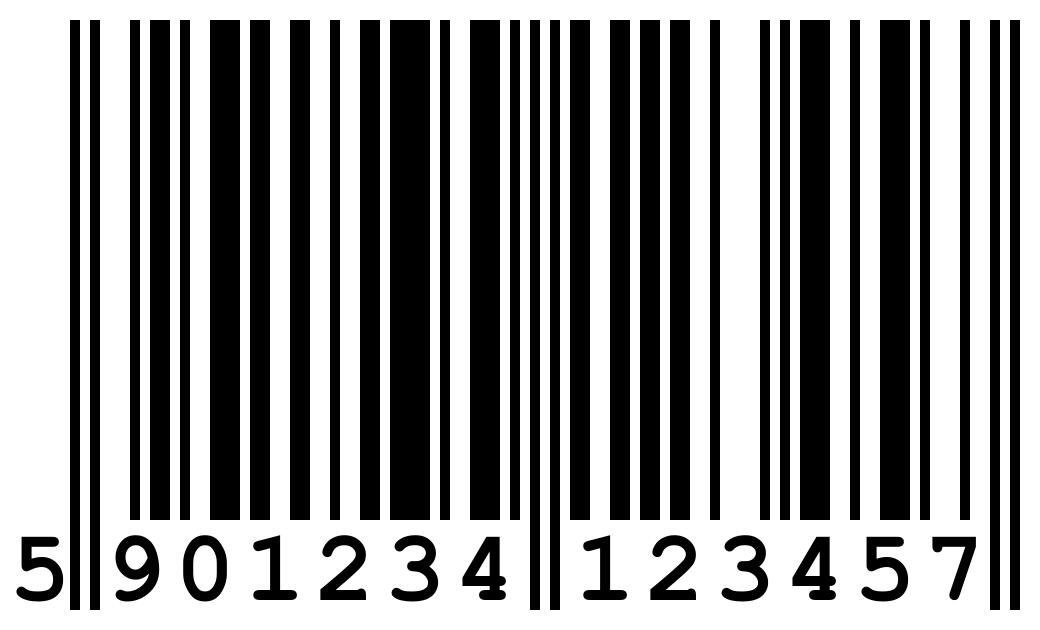
ean13 in symbols (it is, unless you narrowed the list).Image: Wikipedia, CC BY-SA 3.0
